21 Bills You Should Never Put on Autopay (And What to Do Instead)
Learn which 21 bills you should never put on autopay. Avoid hidden fees, catch billing errors, and take control of your money with smarter payment habits.
3/9/20264 min read
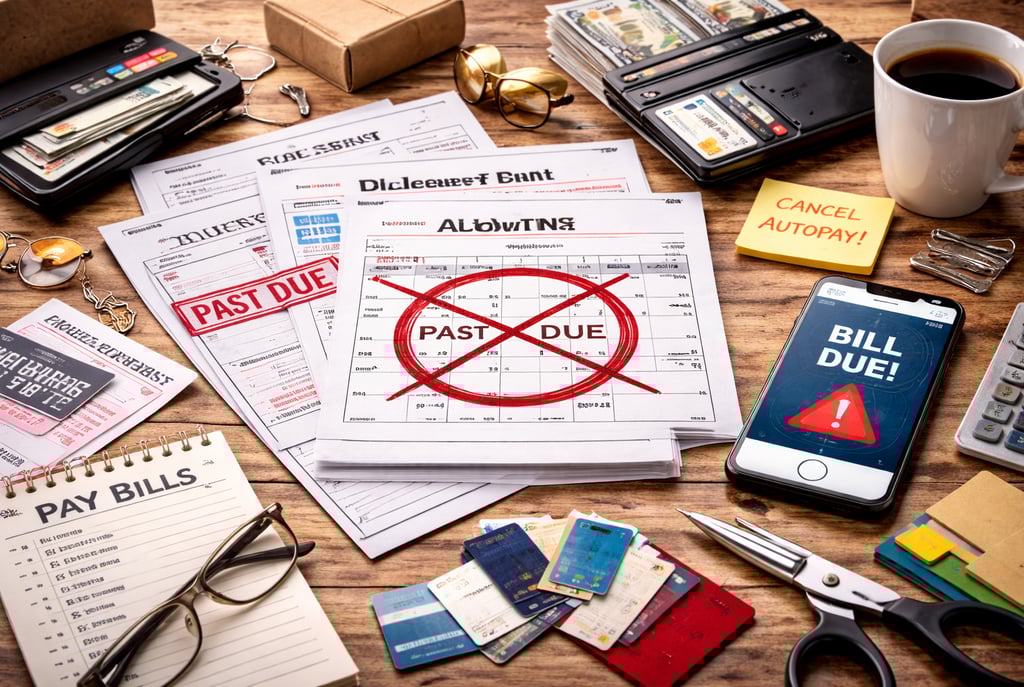
Autopay can save time—but it can also quietly cost you hundreds or even thousands each year if you’re not reviewing your bills.
When payments happen automatically, errors, price increases, and unnecessary charges can go unnoticed.
Here are 21 bills you should never put on autopay—and what to do instead so you stay in control of your money and avoid costly surprises.
Bills That Change Frequently
1. Electricity Bills
What it is: Monthly charges based on your actual energy usage.
What to do:
Electricity bills fluctuate depending on usage, weather, and rate changes. Instead of autopay, set a reminder to review your bill each month. Look for unusual spikes that could indicate billing errors or issues like faulty appliances. Once reviewed, pay manually to stay aware of your consumption patterns.
2. Water Bills
What it is: Charges based on water usage in your home.
What to do:
Water bills can increase due to leaks or meter problems without obvious signs. Review each statement carefully before paying. If you notice a sudden increase, investigate immediately to prevent ongoing waste and higher costs.
3. Mobile Phone Bills
What it is: Monthly charges for calls, texts, data, and additional services.
What to do:
Extra charges such as data overages, roaming fees, or added services can appear without clear notice. Always check your bill before paying to ensure you’re only paying for what you actually used.
4. Internet Bills
What it is: Charges for home internet services.
What to do:
Promotional pricing often expires, leading to higher monthly costs. Reviewing your bill helps you catch these changes early so you can renegotiate your plan or switch providers if needed.
Bills With Hidden or Changing Fees
5. Credit Card Bills
What it is: Monthly statements showing your balance and payments due.
What to do:
Autopay often defaults to the minimum payment, which leads to interest charges over time. Instead, review your statement and pay the full balance whenever possible to avoid unnecessary interest.
6. Subscription Services
What it is: Recurring payments for digital or physical services.
What to do:
Subscriptions can continue long after you stop using them. Review your subscriptions regularly and cancel anything that no longer provides value.
7. Insurance Premiums
What it is: Payments for coverage such as health, auto, or home insurance.
What to do:
Insurance rates can change at renewal. Reviewing your bill allows you to compare options and ensure you’re still getting the best value.
8. Gym Memberships
What it is: Monthly fees for fitness facilities or programs.
What to do:
If your usage declines, autopay continues charging you. Review your activity and cancel or adjust your membership if it’s no longer worth the cost.
Bills That Require Careful Review
9. Medical Bills
What it is: Charges for healthcare services and treatments.
What to do:
Medical billing errors are common. Always review itemized charges before paying. If something doesn’t look right, request clarification or corrections.
10. Repair or Service Bills
What it is: Payments for maintenance, repairs, or professional services.
What to do:
Costs can vary widely depending on the service. Review invoices carefully to ensure accuracy and confirm that all charges are justified.
11. Tuition or Education Fees
What it is: Payments for school or training programs.
What to do:
Education bills may include optional or changing fees. Review each statement to ensure you’re not paying for unnecessary services.
12. Utility Bundles
What it is: Combined billing for services like cable, internet, and phone.
What to do:
Bundles can include features you don’t use. Reviewing your bill allows you to remove extras and reduce costs.
Bills That Encourage Overspending
13. Online Shopping Accounts
What it is: Stored payment methods used for recurring or easy purchases.
What to do:
Autopay makes it easy to spend without thinking. Use manual payments to stay aware of your spending and avoid unnecessary purchases.
14. Food Delivery Apps
What it is: Accounts linked to automatic payments for food orders.
What to do:
Frequent small purchases can add up quickly. Paying manually helps you stay mindful of how often you’re ordering.
15. Entertainment Services
What it is: Streaming platforms, gaming subscriptions, and digital content.
What to do:
If you’re not using a service regularly, cancel it. Manual payments help you evaluate whether each service is still worth it.
Financial Awareness & Control
16. Personal Loan Payments
What it is: Monthly payments toward borrowed money.
What to do:
Review each payment to ensure it’s applied correctly. Tracking your balance helps you stay motivated and avoid errors.
17. Rent (Situational)
What it is: Monthly housing payment.
What to do:
If your rent includes variable charges like utilities or fees, review the total before paying. This ensures accuracy and prevents overpayment.
18. Investment Contributions
What it is: Automatic transfers into savings or investment accounts.
What to do:
While helpful, these should be reviewed regularly to ensure they align with your current financial goals and cash flow.
Situational & Irregular Payments
19. Shared Bills
What it is: Expenses split with roommates or family members.
What to do:
Amounts may change depending on usage. Review the total and confirm your share before paying.
20. Travel Bookings
What it is: Payments for flights, hotels, or reservations.
What to do:
Charges may change due to adjustments or fees. Always review before paying to avoid unexpected costs.
21. One-Time Services That Auto-Renew
What it is: Services that continue charging after initial use.
What to do:
Check renewal terms and cancel services you no longer need. Manual payments help you stay in control.
Practical Tool: Smarter Bill Payment Checklist
☐ Review every bill before paying
☐ Set reminders instead of full autopay
☐ Track recurring expenses monthly
☐ Cancel unused subscriptions
☐ Question any unexpected charges
Final Thoughts
Autopay is designed for convenience, but convenience should not replace awareness. When bills are paid automatically, it becomes easy to miss changes, overlook errors, and continue paying for things you may no longer need.
The goal isn’t to eliminate autopay entirely—it’s to use it wisely. Fixed expenses with predictable amounts are usually safe to automate. But anything that changes, includes additional fees, or requires regular review should be handled manually.
By taking a few minutes each month to review your bills, you gain better control over your finances. You catch problems early, make more informed decisions, and reduce unnecessary spending over time.
Small habits like this can lead to meaningful savings and a clearer understanding of where your money goes.
Good info, in one place—so you can move forward.
FAQ
Is autopay always a bad idea?
No. It works well for fixed bills with consistent amounts. The key is avoiding autopay for variable or unpredictable expenses.
What’s the biggest risk of autopay?
Paying incorrect or unnecessary charges without noticing.
What’s a better alternative to autopay?
Set monthly reminders to review and pay bills manually so you stay aware of your spending.
Contact
Questions? Reach out anytime.
Phone
hello@21goodinfo.com
© 2025. All rights reserved.